
CLI Commands
These are the commands you can run inside Claude Code, Codex, or another compatible agent host to analyse legal documents. Think of each command as a specialist who knows one area of law inside out — you give them a document, they give you back a detailed analysis with risk scores, recommendations, and specific language you can use.
AI Legal UK · The Counsel provides 38 commands that run inside any compatible agent host as skills. Every command is invoked with the /legal prefix.
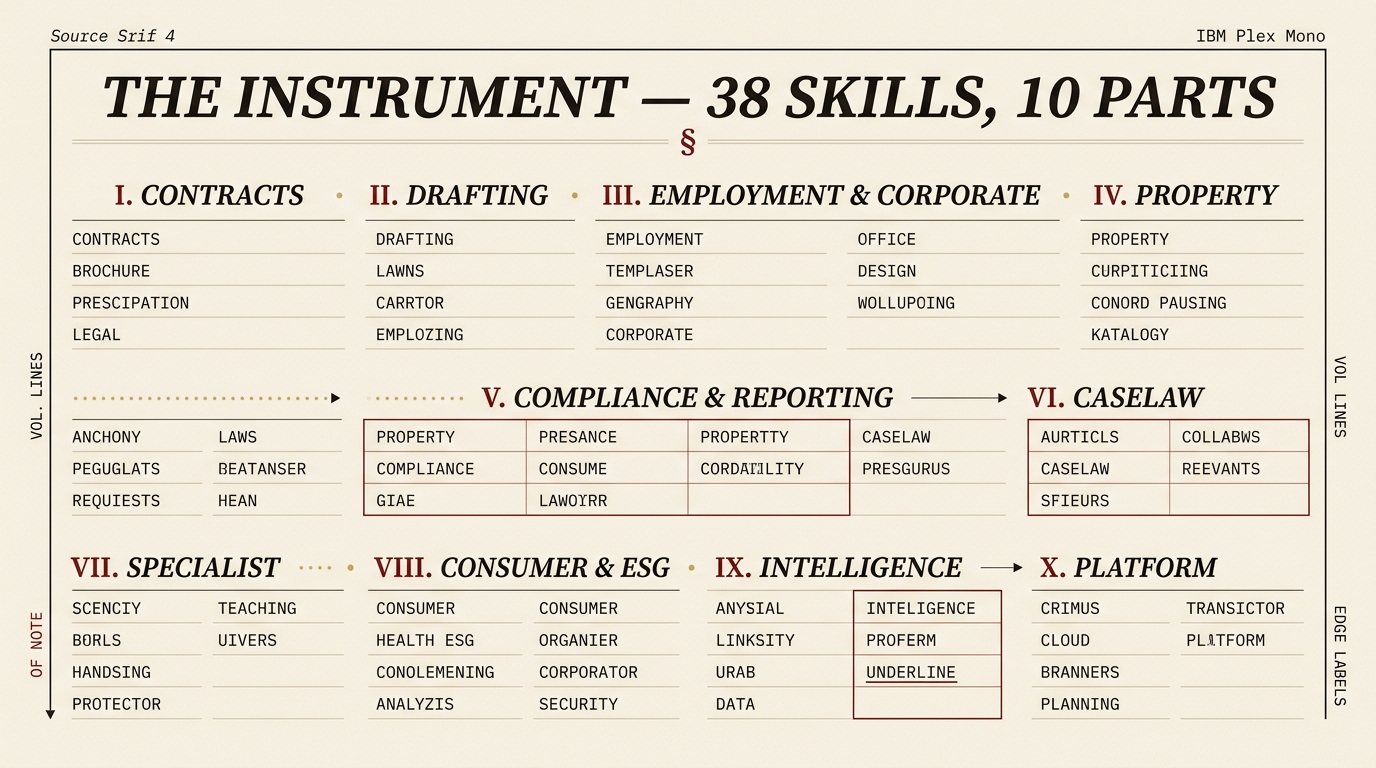
Plate I — the instrument: thirty-eight skills across eleven categories.
Which Command Do I Need?
Not sure where to start? Find your situation below:
| I need to... | Command |
|---|---|
| Review a contract before signing | /legal review |
| Know what risks are in my contract | /legal risks |
| Check my freelancer contract | /legal freelancer |
| Check if a contractor is inside IR35 | /legal ir35 |
| Compare two versions of a contract | /legal compare |
| Get an NDA quickly | /legal nda |
| Check my website is GDPR compliant | /legal compliance or /legal gdpr |
| Review my tenancy agreement (landlord or tenant) | /legal tenancy |
| Review a will | /legal wills |
| Check a property lease | /legal property |
| Recover a debt | /legal debt |
| Check employment law compliance | /legal employment |
| Get a fast SIGN / NEGOTIATE / WALK verdict | /legal first-read |
| Search UK case law or find a judgment | /legal caselaw |
| Vet a product or feature before it ships | /legal pre-launch |
| Brief a partner on the state of a matter | /legal matter-brief |
| Draft board minutes and resolutions | /legal board-pack |
| Check ESG / modern slavery compliance | /legal esg |
| Review an IP licence or assignment | /legal ip |
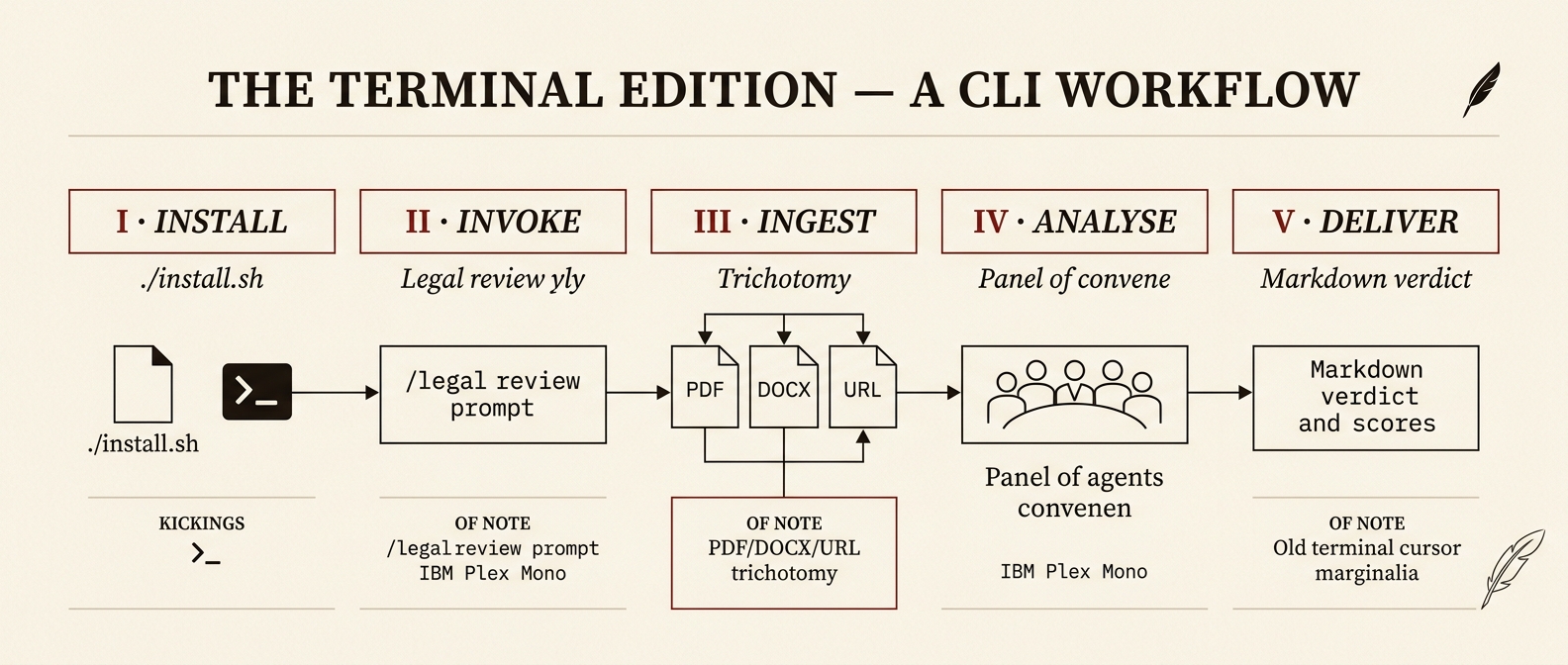
Plate I — the broadsheet rebrand.
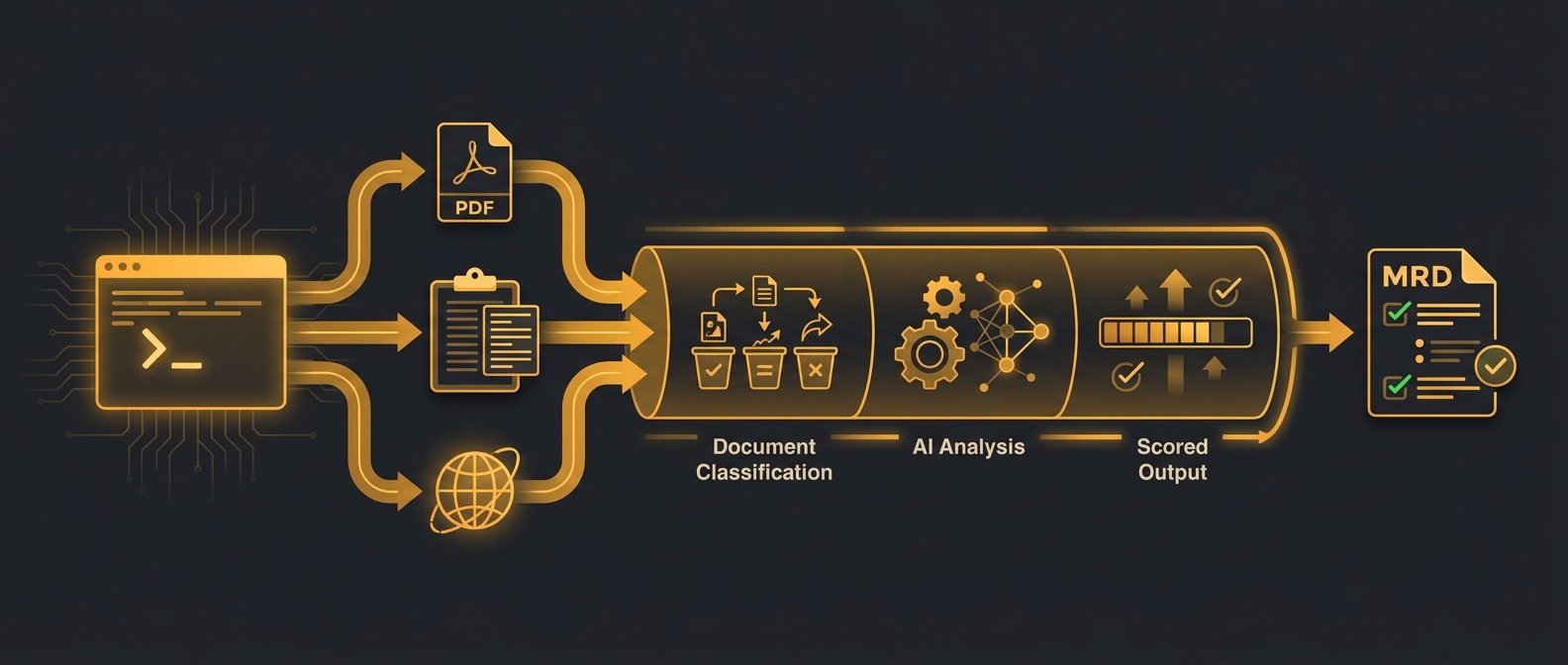
Plate I.a — the original, kept for reference.
How it works
Each command is a self-contained Markdown prompt installed into ~/.claude/skills/. When you type /legal <command>, Claude Code routes to the matching skill, which reads your document, runs the analysis, and writes a Markdown report to your current working directory.
Input methods
Every command accepts input in one of three ways:
| Method | How | Tool used |
|---|---|---|
| File path | Provide a local file path | Read |
| Pasted text | Paste content directly into the chat | Direct |
| URL | Provide a web address | WebFetch |
If you run a command without specifying input, you will be prompted to provide it.
Output
All generated reports are saved as Markdown files in the current working directory with standardised naming:
CONTRACT-REVIEW-[name]-[date].md
NDA-[party]-[date].md
EMPLOYMENT-REVIEW-[name]-[date].md
CORPORATE-REVIEW-[company]-[date].md
PROPERTY-ANALYSIS-[address]-[date].md
Disclaimer
Every output starts with the mandatory disclaimer:
AI-Generated Legal Analysis -- This output is produced by AI and does not constitute legal advice. It is intended as a starting point for review. Always consult a qualified solicitor before signing contracts or relying on generated legal documents. This tool is designed for use under the laws of England and Wales.
Risk indicators
All commands use a standardised risk-level system:
| Indicator | Level |
|---|---|
| 🔴 | High Risk |
| 🟡 | Medium Risk |
| 🟢 | Low Risk |
Browse all 38 commands by category
Every command, grouped by its register category. Each links to its full walkthrough.
Case Law (1)
- /legal caselaw — Case Law Search
Contract Analysis (7)
- /legal first-read — First Read (triage)
- /legal review — Contract Review
- /legal risks — Risk Analysis
- /legal compare — Contract Compare
- /legal negotiate — Negotiate
- /legal missing — Missing Protections
- /legal plain — Plain English
Property Law (1)
- /legal property — Property Law
Document Generation (5)
- /legal nda — NDA Generator
- /legal terms — Terms of Service
- /legal privacy — Privacy Policy
- /legal agreement — Agreement Generator
- /legal freelancer — Freelancer Review
Compliance & Reporting (4)
- /legal compliance — Compliance Audit
- /legal legislation-tracker — Legislation Tracker
- /legal pre-launch — Pre-Launch Counsel
- /legal report-pdf — PDF Report
Employment & Corporate (4)
- /legal employment — Employment Review
- /legal ir35 — IR35 Assessment
- /legal corporate — Corporate Review
- /legal aml — AML Compliance
Consumer & ESG (3)
- /legal consumer — Consumer Compliance
- /legal esg — ESG Compliance
- /legal dispute — Dispute Resolution
Platform Tools (1)
- /legal ai-compliance — AI Compliance
Specialist (6)
- /legal gdpr — GDPR Deep-Dive
- /legal tenancy — Tenancy Review
- /legal ip — IP Review
- /legal debt — Debt Recovery
- /legal immigration — Immigration Compliance
- /legal wills — Wills & Probate
Business Intelligence (5)
- /legal benchmark — Benchmark
- /legal due-diligence — Due Diligence
- /legal board-pack — Board Pack
- /legal regulatory-calendar — Regulatory Calendar
- /legal matter-brief — Matter Brief
Utility (1)
- /legal fetch-samples — Fetch Samples
Quick reference
CASE LAW:
  /legal caselaw <query>          Search 63,000+ UK court judgments

CONTRACT ANALYSIS:
  /legal first-read <file>        Senior Counsel triage — SIGN / NEGOTIATE / WALK
  /legal review <file>            Full contract review (5 parallel agents)
  /legal risks <file>             Deep risk analysis with severity scoring
  /legal compare <file1> <file2>  Side-by-side contract comparison
  /legal plain <file>             Translate legalese to plain English
  /legal negotiate <file>         Counter-proposal generator
  /legal missing <file>           Missing protections finder
  /legal benchmark <file>         Market-standard clause benchmarking

PROPERTY:
  /legal property <file>          UK property document analysis
  /legal tenancy <file>           Tenancy agreement review

EMPLOYMENT & CORPORATE:
  /legal employment <file>        Employment contract review (4 parallel agents)
  /legal corporate <file>         Corporate document review (3 parallel agents)
  /legal ir35 <file>              IR35 status determination
  /legal aml <file>               AML/KYC compliance review
  /legal immigration <file>       Immigration & visa compliance

DOCUMENT GENERATION:
  /legal nda <description>        Generate custom NDA
  /legal terms <url>              Generate terms of service
  /legal privacy <url>            Generate privacy policy
  /legal agreement <type>         Generate business agreements
  /legal freelancer <file>        Freelancer/contractor review
  /legal board-pack <details>     Board pack document generation

COMPLIANCE & REPORTING:
  /legal compliance <url>         Compliance gap analysis
  /legal gdpr <file>              GDPR & data protection deep-dive
  /legal consumer <file>          Consumer protection compliance
  /legal esg <file>               ESG & sustainability compliance
  /legal ai-compliance <file>     AI compliance self-assessment
  /legal legislation-tracker <file>  Legislation currency audit
  /legal regulatory-calendar      12-month regulatory filing calendar
  /legal pre-launch <product>     Pre-Launch Counsel — UK regulatory gate before shipping
  /legal report-pdf               Professional PDF report

SPECIALIST:
  /legal dispute <file>           Dispute resolution analysis
  /legal due-diligence <file>     M&A due diligence gap analysis
  /legal ip <file>                Intellectual property review
  /legal debt <file>              Debt recovery & enforcement
  /legal wills <file>             Wills & probate review

UTILITY:
  /legal fetch-samples            Download sample legal documents

MATTER MANAGEMENT:
  /legal matter-brief <matter>    State-of-the-matter brief — risks, deadlines, next move